


Starting a computer repair business can be a low-cost way to build a steady income if you focus on trust, clear pricing, and a repeatable repair process. Here’s how to choose your niche, set up services, and get customers fast.
Key Takeaways
- Choose a clear business model first (mobile, bench, remote, SMB monthly support), so your pricing and schedule stay profitable.
- Build trust on purpose: written policies, authorization forms, documented repairs, and strong review generation.
- Start with a tight service menu and expand based on real demand, not guesses.
- Package outcomes (setup, cleanup, home office bundle) instead of selling “hours.”
- Local SEO + Google Business Profile + reviews will outperform most paid ads for a new repair business.
- Cybercrime and scams make “secure, transparent help” a major differentiator.
If you enjoy troubleshooting computers and you’re the person friends call when their laptop “just stopped working,” a computer repair business can be a practical (and surprisingly scalable) way to earn real income—without needing a huge upfront investment.
The demand isn’t only about broken screens and slow startups. It’s also about small businesses that can’t afford downtime, home-based entrepreneurs who run everything through one device, and older adults who want patient, in-home help from someone they trust. In the U.S. alone, there are tens of millions of small businesses—a massive customer base that depends on technology to operate.
At the same time, consumers are dealing with a steady stream of security issues—phishing, personal data breaches, extortion, and tech support scams. That creates a huge opportunity for honest, local providers who handle devices carefully, communicate clearly, and help people feel safe again.
This guide walks you through how to start the business the right way: choosing your services, pricing profitably, setting up your workflow, building credibility (even if you’re new), and marketing in a way Google and customers trust.
Table of Contents

Why computer repair is still a strong business (even in 2026)
People sometimes assume “computer repair is dying” because devices are cheaper than they used to be, or because manufacturers want customers to replace instead of fix. But in real life, repairs still happen every day—because data, setup, and downtime cost more than hardware.
Here’s what keeps this business relevant:
- Small businesses can’t pause operations. When a POS system, office laptop, or shared printer goes down, small businesses need it handled fast; often the same day.
- Cyber problems are constant. Malware, phishing cleanups, account takeovers, and “my browser is hijacked” cyber issues are common, and many customers want help from a human they can reach.
- Trust is a premium. Tech support scams have made people cautious. A repair business that signals legitimacy (clear policies, documentation, receipts, reviews, and secure handling of data) stands out immediately.
- Right-to-repair momentum helps. Regulators have publicly criticized anti-competitive repair restrictions, and the broader “repair instead of replace” mindset supports independent repair businesses.
One important reality check: some “computer support” roles show mixed outlooks at a national level, but that doesn’t automatically reflect local service demand for independent repair, home visits, SMB support, and managed services. What matters most is your niche, your local competition, and your ability to build trust.
Step 1: Choose your computer repair business model
Before you buy tools or design a logo, you need to decide what kind of repair business you’re actually building. Instead, pick a business model first. You can expand later.
“Computer repair” can mean a lot of things: house calls for seniors, same-day business support, bench repairs from home, remote tune-ups, or even managed services for small offices. Each model changes your day-to-day schedule, how you price, what customers expect, and how quickly you can scale. If you skip this step, you’ll probably say yes to everything—then wonder why your calendar is full but your profit is thin.
A clear model also makes your marketing 10x easier. When someone lands on your website or Google listing, they should instantly understand: Do you come to me? Do I drop off? Do you specialize in businesses? Do you fix Macs? The goal is to choose a model that fits your skills and lifestyle and creates a repeatable, profitable workflow you can stick with.
Common models (and who they fit best)
| Model | Best for | Pros | Watch-outs |
|---|---|---|---|
| Mobile / on-site repair | Residential + small offices | Premium pricing, convenience wins | Travel time can eat profit |
| Home-based bench repair | Budget-conscious clients | Low overhead, predictable workflow | Customers must drop off |
| Remote support | Software issues, tune-ups | Fast service, high margin | Not every issue is remote-fixable |
| Small storefront | High foot traffic areas | Walk-in volume, upsell accessories | Rent + staffing raises break-even |
| SMB monthly support (MSP-lite) | Agencies, offices, clinics | Recurring revenue | Needs documentation + policies |
Best starter combo for most people:
Mobile + bench repair + remote support. It gives you flexibility and lets you learn what your market needs most before taking on rent.
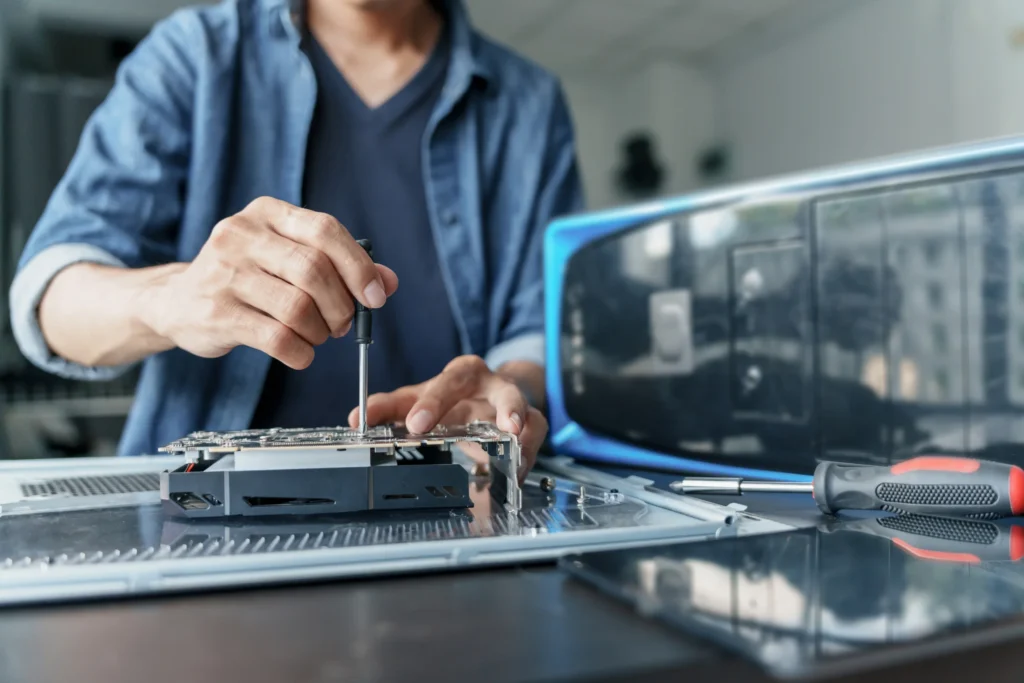
Step 2: Pick a niche (your “money lane”)
A niche isn’t a fancy branding exercise; it’s how you stop competing on price. The minute you position yourself for a specific type of customer and a specific set of problems, you become the obvious choice for those people. Instead of being “another computer repair person,” you become the one who helps home office workers fix Wi-Fi and setup headaches, small businesses avoid downtime, or seniors get patient, in-home help without pressure. That kind of clarity drives referrals, improves reviews, and makes your local SEO way more focused.
Picking a niche also protects your time. Not every customer is worth it: some jobs are complicated, low-budget, high-drama, or just outside your strengths. A niche lets you build a predictable service menu, stock the right parts, write better FAQs, and develop a reputation that spreads in your community.
High-demand niches that work well for independents
- Home office + remote workers (Wi-Fi issues, docking stations, monitors, backups)
- Seniors / retired adults (in-home help, patient training, scam cleanup)
- Local small businesses (printer sharing, user accounts, device setups, security basics)
- Mac troubleshooting (basic) (strong demand, higher perceived value)
- Data protection & backup setup (high-trust, high-margin when done ethically)
A simple positioning statement (use this everywhere)
“I help [specific customer] fix and protect their computers with fast, documented repairs and clear pricing, including [top 3 services].”
Example:
“I help home-based business owners and small offices keep their computers fast and secure with malware cleanup, new device setup, and Wi-Fi/printer troubleshooting.”
Step 3: Define your services (start with a focused menu)
One of the fastest ways to burn out in this business is offering “everything.” When your service list is too broad, you end up troubleshooting random issues with no boundaries, no consistent pricing, and no clear turnaround time. Customers also get confused—if your website looks like a grab bag of tech words, people won’t know what to pick, and they’ll default to calling the cheapest option or the biggest brand.
A tight, well-designed service menu keeps your business sane and profitable. It lets you standardize your tools, checklists, and pricing, which means faster jobs and fewer surprises. Start with the handful of services customers request most often (cleanup, setup, upgrades, networking basics), then expand based on what your market repeatedly asks for—and what you can deliver confidently and consistently.
You’ll grow faster with a short, clearly-priced menu than with “we do everything.”
A smart starter service menu
| Category | Services customers ask for most | Notes |
|---|---|---|
| Cleanup & performance | virus/malware removal, slow PC tune-up, startup fixes | Trust-builder category |
| Setup & upgrades | new PC setup, SSD/RAM upgrades, OS reinstall | Great for packages |
| Data & recovery | backup setup, file transfers, basic recovery | Be careful with promises |
| Networking | Wi-Fi troubleshooting, printer sharing, router setup | Often quick wins |
| Business support | user accounts, permissions, endpoint basics | Leads to monthly retainers |
| Training | 30–60 min coaching sessions | Strong for seniors |
Tip: Don’t advertise “data recovery” like a lab unless you truly have the tools. Instead:
- “Basic recovery and transfer” (you can do)
- “Advanced recovery referral partner” (you coordinate)

Step 4: Build credibility (EEAT) without faking it
Computer repair is a trust business, not just a technical one. People aren’t simply handing you a device: they’re handing you photos, passwords, tax files, business documents, and personal messages. If your business looks informal or vague, customers will hesitate, even if your skills are solid. And the same is true online: Google tends to surface businesses that look legitimate, consistent, and transparent, especially for services that involve safety, money, and privacy.
To build a business that Google and customers trust, you need real “proof signals.” Not fluff.
You don’t need to pretend you’re a giant company to look credible. You need real-world trust signals: clear policies, written estimates, a documented process, consistent branding, and reviews that mention professionalism and communication. Certifications can help too, but what really builds authority is how you run the business: how you explain what you’re doing, how you protect data, and how you stand behind your work.
Certifications that help (especially early on)
A common starting point is CompTIA A+, which covers core hardware, operating systems, troubleshooting, and security fundamentals. Later, Network+ or Security+ can help if you lean into business support.
That said: certifications alone won’t sell your service—systems and transparency will.
EEAT signals you can build in the first 30 days
- Clear service policies (diagnostic fee, authorization, turnaround time, warranty)
- Customer intake form + written estimates
- Photo documentation (before/after, part receipts—no customer data shown)
- Google Business Profile + consistent NAP (name/address/phone)
- Review strategy (ask every satisfied customer)
- Security practices (explained in plain language)
You’re not just fixing computers—you’re handling people’s photos, finances, client files, and logins. If your business looks casual, people won’t hand you their digital life.
Step 5: Set up your business legally and safely
This step isn’t the “fun” part, but it’s the part that keeps a small repair business from becoming a liability trap. A cracked screen, a lost screw, a wiped drive, or a misunderstood estimate can turn into a dispute fast, especially when customers are stressed and desperate to get their system back. Having basic legal structure and simple documentation isn’t about being corporate; it’s about protecting both you and your customer so expectations stay clear.
You also need to treat privacy and data handling as serious responsibilities. Even if you’re doing simple tune-ups, you’ll encounter sensitive information. A basic authorization form, a clear scope of work, and a written data-handling policy instantly set you apart from “random guy with tools,” and they make customers more comfortable choosing you over a big-box competitor.
I’m not a lawyer or CPA, but here’s the practical checklist most successful repair businesses follow.
Basics to consider
- Business structure: many owners choose an LLC for liability separation
- Licenses: city/county business license requirements vary
- Sales tax: may apply to parts (and sometimes labor) depending on your state
- Insurance:
- General liability (trip hazards, accidental damage)
- Professional liability / errors & omissions (recommendation mistakes)
- Tools coverage (if you carry expensive gear)
Don’t skip your data-handling policy
Write a simple policy you can show customers:
- What data you access (only what’s needed)
- How you store passwords (ideally you don’t—customers type them)
- Whether you take backups before major work
- How long you keep devices and notes
- What you do if you suspect fraud/scams
This matters because cybercrime is common, and customers want to know you’re the safe option.
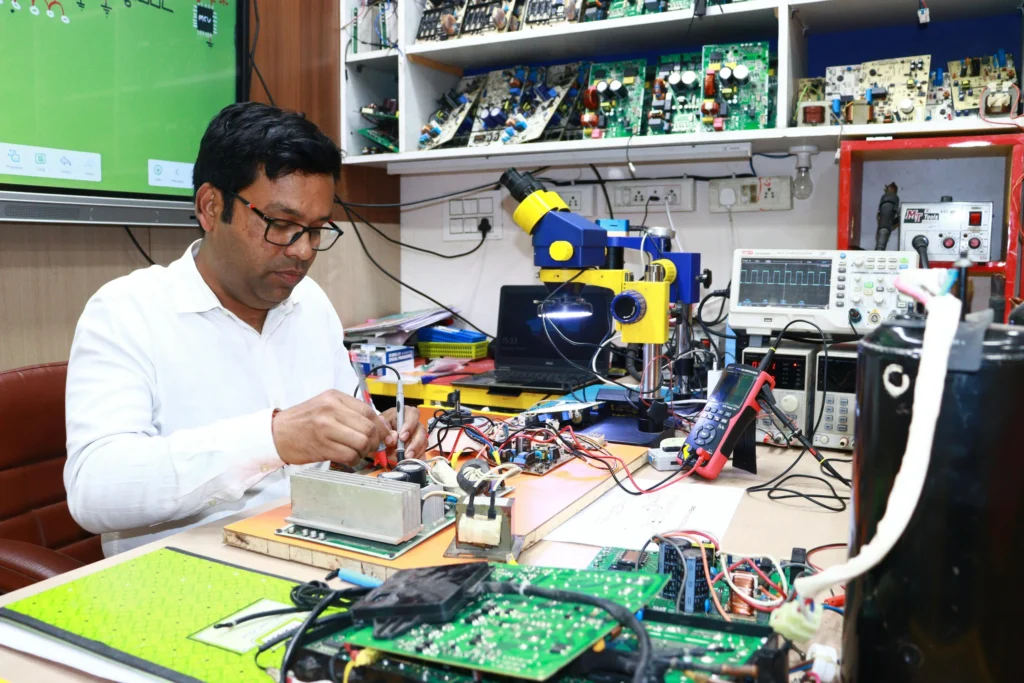
Step 6: Tools you actually need (and what to buy later)
It’s easy to overspend on tools when you’re excited, especially because tech repair tools look cool and feel “professional.” But the truth is: most early jobs require a small set of reliable basics, not a giant kit. The goal in the beginning is to buy tools that make you faster, reduce mistakes, and help you diagnose confidently without turning your startup costs into a burden.
Think of tools as part of your service quality. The right adapters, ESD protection, and transfer setup can save hours and prevent damage. Start with what supports your core service menu, then upgrade once you know which job types you’re doing most often (and what’s actually making you money).
You don’t need a $5,000 toolkit to start. You need the right basics.
Starter toolkit (high value, low clutter)
- Precision screwdriver set + spudgers
- ESD strap/mat (static protection)
- USB drives (for bootable tools)
- External SSD/HDD for transfers (encrypted if possible)
- SATA/USB adapter + NVMe enclosure
- Compressed air, isopropyl alcohol, microfiber
- Cable ties, spare HDMI/DP/USB cables
- Router/ethernet tester (optional but helpful)
“Pro” upgrades once cash flow starts
- Dedicated bench PC + monitor for diagnostics
- Label printer for parts and tracking
- Ticketing system (even a simple one)
- Remote support software (choose reputable tools; keep customer consent documented)
Step 7: Create a repair workflow that protects you (and the customer)
Most repair businesses don’t fail because of technical skill. They fail because of process: unclear estimates, scope creep, lost time, and customer mistrust.
A professional workflow is what turns “I can fix computers” into “I run a real business.” Many repair owners lose profit not because they can’t solve problems, but because they don’t have a consistent process: they forget what they did, they don’t document approvals, they under-estimate turnaround time, or they get pulled into scope creep. A workflow fixes all of that by making every job repeatable, trackable, and easier to deliver at high quality.
Customers also notice this immediately. When you have an intake process, a written estimate, and a clear handoff, people feel safe—and safe customers pay more, refer more, and complain less. You don’t need complicated systems at first, just a simple step-by-step routine you follow every time.
Here’s a workflow that keeps you professional.
The 7-step computer repair process
- Intake + symptoms
Get a written description. “It’s slow” becomes: slow boot, popups, overheating, etc. - Permission + data warning
Customer signs authorization. You explain what could happen (e.g., OS reinstall may erase data without backup). - Triage + quick checks
Power, drive health, RAM test, temps, malware signs, storage space. - Estimate + options
Offer 2–3 paths:- “Minimum fix”
- “Best value”
- “Best long-term”
- Do the work (documented)
Keep a simple repair log: what you changed, what you installed, what you removed. - Testing + verification
Boot times, updates, printer test, Wi-Fi stability, browser sanity check. - Handoff + prevention
Teach one habit that prevents repeat issues (backups, updates, scam awareness). Microsoft’s scam guidance is a good baseline for what to tell customers.
A “Trust Checklist” customers love
- Written estimate approved ✅
- Before/after notes ✅
- Parts returned if requested ✅
- No stored passwords ✅
- Clear warranty ✅
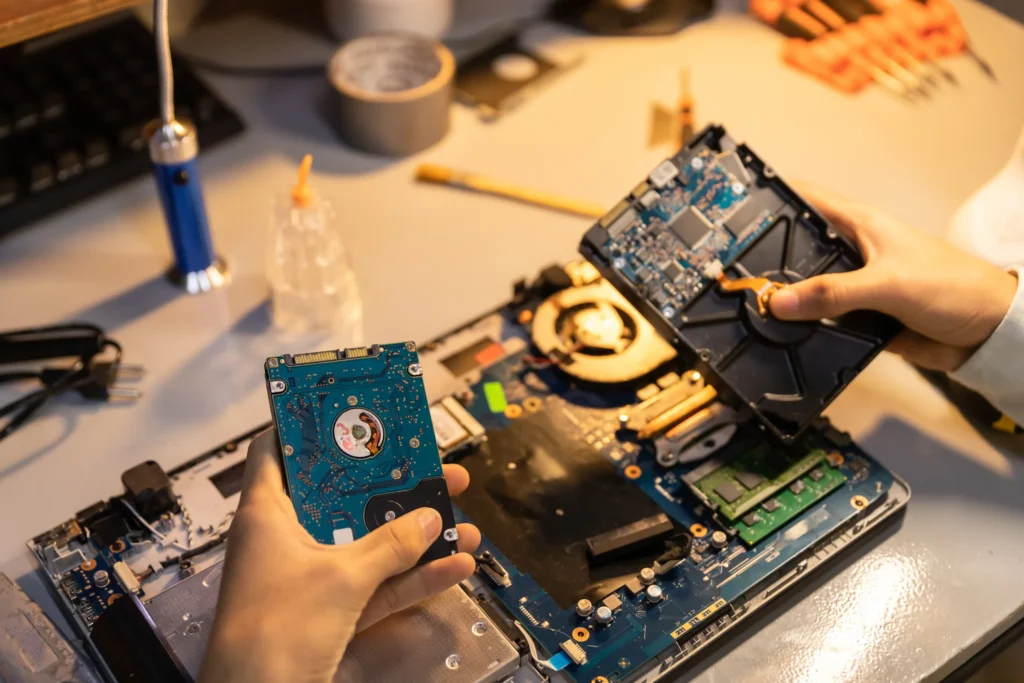
Step 8: Pricing that’s profitable (without scaring customers away)
Pricing is where many new repair owners panic. The fix is simple: price the outcome, not your anxiety.
Pricing is where many computer repair businesses quietly sabotage themselves. They charge like it’s a hobby, not a business, then they wonder why they’re working nights and weekends just to stay afloat. The fix isn’t to become overpriced or greedy. The fix is to price the job so it covers the real cost: diagnosis time, communication, travel (if applicable), unexpected complications, and the value of getting someone’s life or business back online.
The most profitable repair businesses don’t just sell time; they sell outcomes. They make pricing easy to understand (flat rates and packages), they protect against scope creep (clear boundaries), and they guide customers toward “best value” options that prevent repeat problems. When pricing is structured well, it actually reduces customer anxiety because expectations are clear.
You’ll typically choose one of these:
Pricing models
| Model | Best for | Why it works |
|---|---|---|
| Hourly | Business support, unknown issues | Flexible, covers surprises |
| Flat-rate per service | Virus removal, tune-ups | Easy to market and sell |
| Packages | “PC Refresh,” “New Setup,” “Home Office Bundle” | Higher average order value |
| Monthly plans | Small businesses | Predictable income |
Use competitor pricing as context (not as your ceiling)
National brands like Geek Squad publish set prices for services such as new device setup and resets, which can help you understand what consumers are already willing to pay.
You can compete by being:
- faster
- more personal
- more transparent
- more flexible (evenings/weekends, in-home)
Example package structure (customize to your market)
| Package | Includes | Best for |
|---|---|---|
| Basic Tune-Up | updates, storage cleanup, startup optimization | slow computers |
| Security Cleanup | malware scan/removal, browser reset, safer settings | popups/scam fallout |
| New Computer Setup | accounts, updates, printer/Wi-Fi, essential apps | new device owners |
| Home Office Bundle | setup + backup plan + Wi-Fi optimization | remote workers |
Pricing tip: Add a diagnostic fee that can be credited toward repair. It filters out “time wasters” and respects your expertise.
Step 9: Marketing that works in real life (and helps SEO)
A computer repair business is naturally local. Your best marketing isn’t “viral.” It’s visible + trusted + easy to contact.
You don’t need to “go viral” to grow a repair business. You need to be the trusted local option people can find quickly when something breaks. Most customers aren’t browsing for fun; they’re searching in a moment of frustration. That’s why local marketing is less about flashy branding and more about visibility + credibility + convenience: showing up in search, looking legitimate, making it easy to contact you, and having reviews that remove doubt.
This is also where Google starts to matter. The more consistent your business info is, the more complete your local profile is, and the more useful your content is, the more likely you are to be indexed and surfaced. Marketing doesn’t have to be complicated, but it does have to be consistent: small weekly actions beat “big pushes” that happen once every few months.
Local marketing channels that actually produce customers
| Channel | What to do this week | Why it works |
|---|---|---|
| Google Business Profile | fill every field, add services, add photos weekly | shows up in local searches |
| Reviews | ask every happy customer (send link right away) | trust + ranking |
| Local networking | chamber of commerce, business groups | SMB recurring work |
| Partnerships | coworking spaces, accountants, insurance agents | referral engine |
| Libraries/community centers | offer a “scam safety” talk | senior market trust |
| Content marketing | “How to speed up a PC,” “Wi-Fi troubleshooting” | long-term SEO |
Your website should answer “repair intent” questions
Build pages like:
- “Computer repair in [City]”
- “Virus and malware removal in [City]”
- “Small business IT support in [City]”
- “Mac troubleshooting in [City]” (only if you truly offer it)
Each page should include:
- your service area
- pricing approach (even ranges help)
- your process
- proof (reviews, photos, policies)
- FAQs
That’s exactly the kind of content Google tends to index because it’s practical, specific, and user-first.
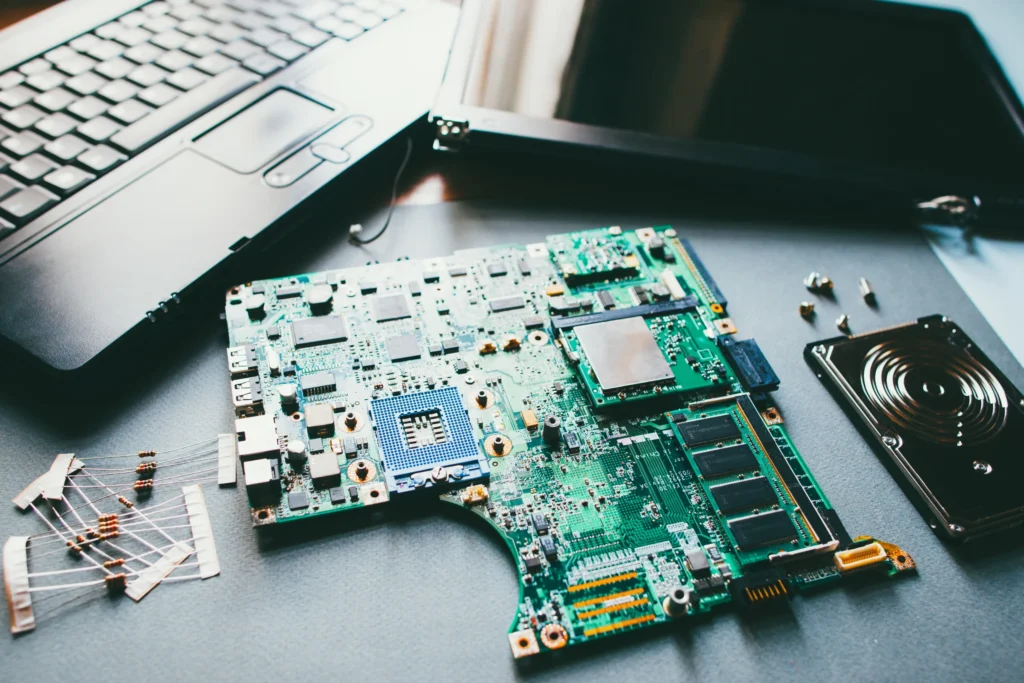
Step 10: Turn one-time repairs into repeat business
One-off repairs are fine, but they’re unpredictable. If you want a steady income, you need a plan that turns “Thanks!” into “I’m calling you again.” The easiest way to do that is to build a simple follow-up system and offer services that naturally recur: tune-ups, backup checks, security refreshes, new-device setups, and small-business support plans. This isn’t about being pushy; it’s about solving the next problem before it becomes an emergency.
Repeat business also improves your profitability. You spend less time marketing, less time explaining who you are, and less time earning trust from scratch. Customers who already trust you are faster to serve and more likely to refer friends, family, and coworkers.
Easy “after-service” offers that customers appreciate
- Annual tune-up reminders
- Backup setup + quarterly check
- Family device plan (2–4 devices)
- Small business monthly plan (patching + quick support)
Given how common phishing and data breaches are, people are often relieved when someone offers a simple, non-scary maintenance plan.
Step 11: Startup costs (what to budget realistically)
Computer repair has a reputation as a low-cost business—and it can be—but only if you budget intentionally. Many new owners either overspend upfront on tools and software they don’t yet need, or they underspend on the things that build trust (insurance, documentation, branding basics). What you want is a lean startup that still feels professional: enough capability to deliver quality work, and enough credibility to make customers comfortable handing you their devices.
A smart budget also helps you price properly. When you know your monthly fixed costs and your real-time per job costs, you can stop guessing and start charging with confidence. The goal isn’t to spend as little as possible: it’s to spend on what makes the business safer, faster, and more profitable from day one.
Here’s a practical way to think about startup costs: you’re buying capability (tools, software, documentation) and credibility (branding, insurance, policies).
Typical startup cost categories
| Category | Examples | Keep it lean by… |
|---|---|---|
| Tools | screwdrivers, adapters, ESD, external drives | buy quality basics first |
| Software | antivirus, remote support, ticketing | use free/low-cost starters |
| Legal/admin | license, LLC filing (if chosen) | DIY where appropriate |
| Insurance | liability/E&O | start minimal, expand later |
| Marketing | domain, simple website, local listings | focus on GBP + reviews |
If you’re home-based and mobile, you can start lean and reinvest from cash flow instead of financing everything upfront.
Step 12: Your 30–60–90 Day Launch Plan
A computer repair business can feel “easy to start” because you don’t need a storefront or a huge budget—but that same simplicity is why many people stall out. They take random jobs, undercharge, forget to collect reviews, and never build the systems that turn repairs into reliable income. A 30–60–90 day plan keeps you focused on what actually creates momentum: a clear niche, a repeatable workflow, visible trust signals (especially reviews), and a marketing routine you can sustain.
Think of the first 90 days as building a small, durable machine—one that produces customers consistently instead of depending on luck, favors, or last-minute posts. Your goal isn’t perfection; it’s to prove demand, tighten your process, and start stacking recurring revenue as early as possible.
First 30 days: foundations + first customers
- Choose niche + service menu
- Set policies, intake form, and pricing structure
- Create Google Business Profile + basic website page
- Do 5–10 “starter jobs” (friends/family/early referrals) with reviews
- Document before/after (again: no private data)
Days 31–60: tighten operations
- Track time per service and adjust pricing
- Build 2–3 packages (best value wins)
- Partner outreach: coworking spaces, local businesses, accountants
- Publish 4 local SEO posts (simple, useful, problem-solving)
Days 61–90: start recurring revenue
- Offer monthly support to your best SMB clients
- Build a simple maintenance plan
- Create a referral program (credit or discount)
- Systemize: ticketing, templates, checklists
Common mistakes that quietly kill profit
Most computer repair businesses don’t fail because the owner can’t fix machines. They fail because the business leaks money in small, “harmless” ways—little decisions that feel customer-friendly in the moment but slowly eat your margins. It’s the extra 20 minutes you didn’t charge for, the drive across town for a “quick look,” the vague promise you made before you diagnosed the problem, or the job you took without written authorization because the customer seemed nice.
Over time, those small leaks turn into long days, inconsistent cash flow, and the worst kind of stress: being busy but not profitable. The good news is that these mistakes are preventable once you spot the patterns. If you build simple guardrails—clear pricing, tight scope control, documentation, and repeatable checklists—you can protect your time, your reputation, and your sanity while still delivering great service.
- Underpricing because you feel bad. You’re not charging for 20 minutes—you’re charging for skill and outcome.
- No written authorization. This is how misunderstandings become disputes.
- No scope control. “While you’re here…” needs boundaries or a second charge.
- Messy data practices. Customers want safety, especially with scams and breaches in the news.
- Relying only on flyers. Local SEO + reviews compounds over time.

Final thoughts
A computer repair business is one of those rare service businesses where you can start small, learn quickly, and grow into a stable income, if you treat trust like your #1 product.
The technical skills matter, but the winners are usually the ones who:
- communicate clearly,
- price confidently,
- document everything,
- protect customer data,
- and build local visibility with reviews and consistency.
Do that, and you won’t just “fix computers.” You’ll become the person your community calls when tech problems feel stressful—and that’s a business with staying power.
FAQ
Is a computer repair business still profitable?
Yes—especially if you avoid relying only on low-priced “break/fix” jobs and instead build packages and recurring support. One-off repairs can be profitable, but your income becomes steadier when you add services like new computer setup, home office optimization, backup plans, and small-business monthly support. Many customers aren’t just paying for a fix—they’re paying to reduce downtime and stress. The bigger opportunity is trust: people are cautious because scams and cyber issues are common, so a legitimate, well-reviewed local provider can win business even in competitive areas.
What services should I offer first?
Start with services that are (1) in high demand, (2) straightforward to deliver consistently, and (3) easy to explain on your website. For most new shops, that’s malware/virus cleanup, performance tune-ups, new device setup, basic networking/Wi-Fi troubleshooting, printer setup, and upgrades like SSD/RAM. These are popular because they solve real pain quickly and often lead to referrals. Add advanced services later—especially data recovery—only after you’ve built the right tools, process, and risk controls.
Do I need certifications like CompTIA A+ to start?
You don’t have to, but certifications can help you build credibility faster—especially when customers don’t know you yet. CompTIA A+ is a common baseline credential that covers hardware, operating systems, troubleshooting, and security fundamentals.
That said, the strongest credibility comes from real-world trust signals: clear policies, written estimates, documented work, and consistent reviews. If you’re new, a smart approach is: start the business lean, study toward A+, and use your learning to improve your service checklists and customer education.
How do I price computer repair without losing customers?
Use a structure customers understand: a diagnostic fee, flat-rate services for common problems, and packages that bundle outcomes (setup + updates + Wi-Fi + printer). Customers hate surprise bills more than they hate fair pricing, so clarity matters. You can also use published competitor pricing as a reference point for what customers already accept; for example, national services list set prices for certain common tasks.
The goal isn’t to be the cheapest—it’s to be the most trusted and easiest to work with.
How do I protect customer privacy and avoid liability?
reat privacy like a core product feature. Use written authorization forms, avoid storing passwords (let customers type them), keep repair notes without sensitive content, and explain your data-handling policy in plain language. Because phishing, breaches, and scams are common, customers are rightfully cautious.
Also consider insurance (general liability and professional liability), and build a process that includes “backup before major changes” when feasible. If you serve certain industries (like healthcare), you may need stronger compliance practices.
How do I get my first 20 customers?
Start with visibility + proof. Set up your Google Business Profile, publish a simple service page, and ask every satisfied customer for a review immediately (send the link). Then do targeted outreach to coworking spaces, accountants, realtors, community groups, and small-business networks. Offer one free community workshop (like scam awareness or “speed up your laptop”)—it builds trust fast, especially with older adults who are frequent scam targets.
Once reviews start coming in, local SEO momentum usually follows.